Case study
Multi-Context Dev Workspace
Turning a low-code builder into a multi-context development workspace
at Appsmith ↗︎TL;DR
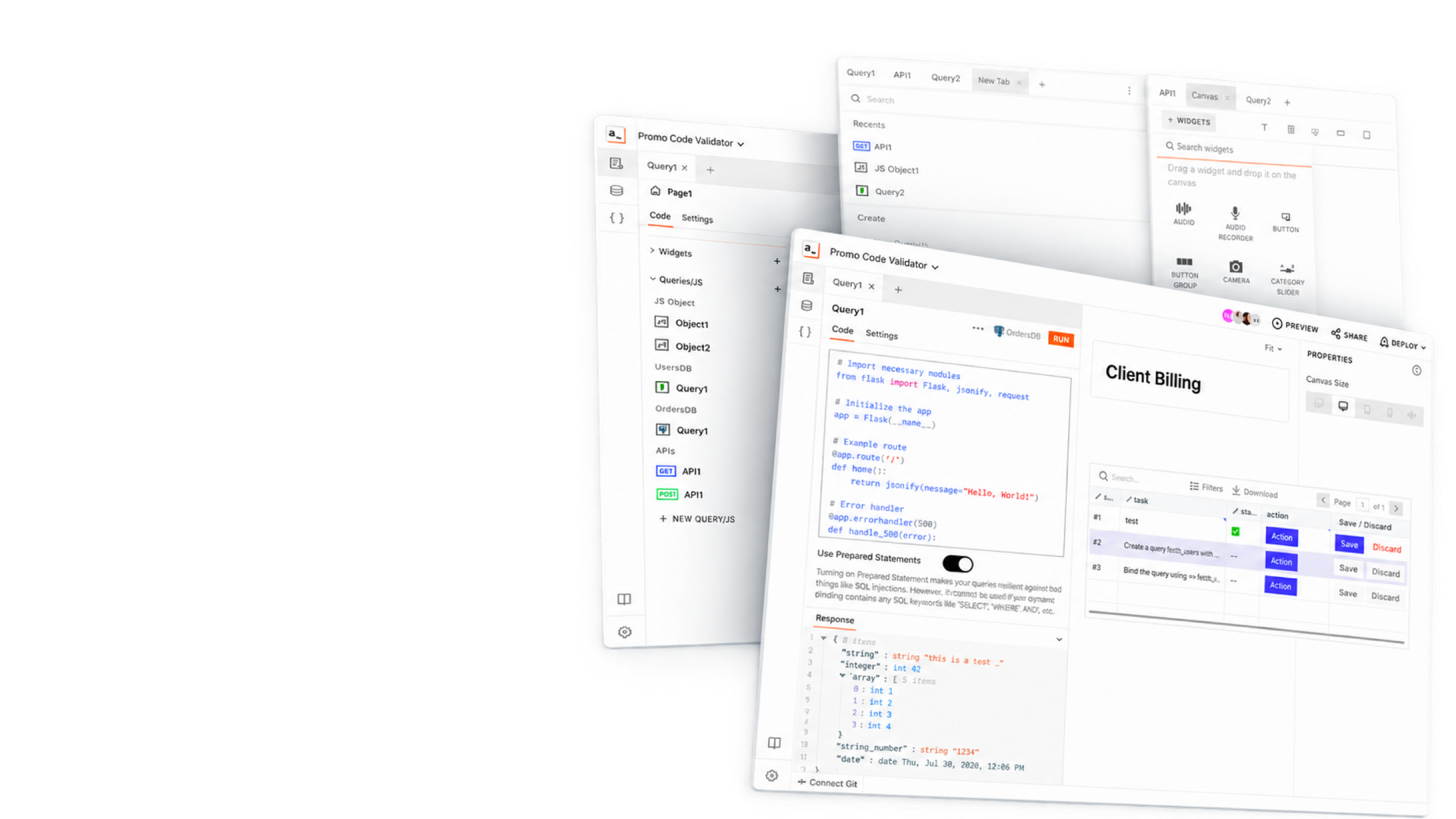
Builders repeatedly switch between UI, queries, code, and debugging. I redesigned Appsmith’s IDE to keep related contexts visible together, using persistent tabs, recents, and a unified New Tab experience to help developers recover work and navigate without losing their place.
Choose your depth
The problem, my contribution, outcomes, and strongest screens.
My role
Product design · Information architecture · Developer experience
Product focus
An IDE-wide workspace for moving between UI, data, code, and debugging without losing context.
The Short Version
I redesigned the IDE around how builders actually move: constantly, between UI, data, code, and whatever just broke. Related contexts stayed visible together, and open work stayed easy to find again.
The Mess
Moving between the canvas, properties, queries, APIs, JavaScript objects, datasources, and logs felt like abandoning the current task every time. People kept re-scanning the entity explorer because recovering recent work was harder than it should have been.
My Part in This
- Translated fragmented workflows into an IDE-wide information architecture.
- Designed persistent entity tabs, recents, and a unified New Tab experience.
- Explored two- and three-column workspaces for UI, code, and data.
What Got Better
- Created a shared workspace model across the canvas, queries, APIs, JavaScript, data, and logs.
- Used persistent tabs and recents as working memory for interrupted, multi-context tasks.
Impact
What Actually Moved
For the Business
Created an IDE-wide workspace model that connects UI, code, data, navigation, and debugging.
For the Humans
Builders can preserve working context and recover recent tasks with fewer disruptive navigation loops.
For the Spreadsheet
Supports activation and retention by helping teams reach productive outcomes faster in the core building experience.
Highlights evidence
3 essential screens from the final experience.
Continue reading