Case study
Enterprise Pipeline Explorer
Making enterprise recruiting funnels explorable at scale
at SeekOut ↗︎TL;DR
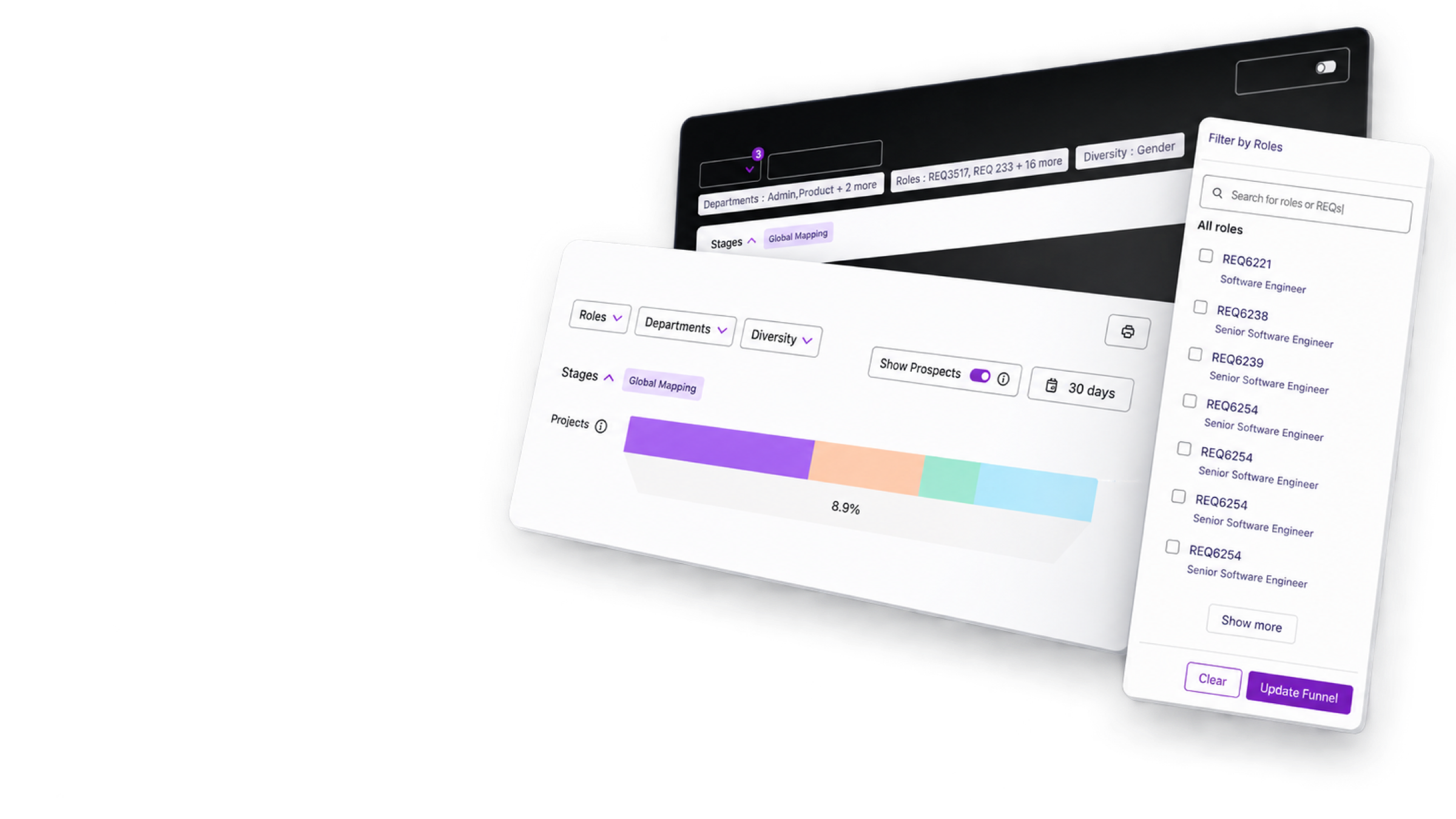
Filtering a recruiting funnel across thousands of requisitions had outgrown a dropdown. I designed a search-and-select panel that takes role names or REQ numbers, keeps picks visible, and only updates the funnel when you say so. It shipped in SeekOut’s Pipeline Insights.
Choose your depth
The problem, my contribution, outcomes, and strongest screens.
My role
Product design · Enterprise search · Interaction architecture
Product focus
A role filter for a recruiting funnel that spans thousands of open requisitions.
The Mess
The funnel covered thousands of open requisitions, many sharing a job title. A dropdown couldn’t hold that list, let alone show what someone had already picked.
The Short Version
Recruiters search by role or REQ number in one field. Checked roles move into their own Selected list, and the funnel only changes when they press Update Funnel.
My Part in This
- Designed a searchable multi-select that holds thousands of REQs.
- Split Selected from the full list, so picks never get lost.
- Made Update Funnel its own step, so a checkbox never changes results.
What Got Better
- Recruiting leaders can scope the funnel to exact roles, even across thousands of REQs.
- Picking roles never changes the funnel by accident.
Impact
What Actually Moved
For the Business
Made filtering safer and easier across thousands of overlapping roles and requisitions.
For the Humans
Users can build, check and change a complex role scope without accidental changes.
For the Spreadsheet
Supports repeat use of an enterprise workflow by making its results easier to trust.
Highlights evidence
1 essential screens from the final experience.
Continue reading